

Current Status: Live, with some features pending. Users may access the new customer account system. A few processes and features are unavailable while ESA staff work to resolve remaining issues.
ESA has upgraded to a new online system to manage member and customer accounts!
Members and customers get an improved online experience in managing their ESA membership, accounts, event registrations, subscriptions, certifications, and more. The new system will also improve customer service capacity for ESA headquarters staff.
All ESA members, certificants, and non-member account holders may now log in to the new customer account system. All users must reset their password to log in to the new system for the first time. On your first visit, follow the link in the login box to reset your password. (See further instructions in FAQs below.)
Thank you for your patience as we complete this critical technology upgrade to improve the ESA member experience!
Return to this page for more information about the new ESA customer account system, instructions for logging in to manage your account, and more.
Questions? Need assistance with your member/customer account?
Known Issues and Features Not Yet Available
- Password reset. Some users unable to reach password reset screen from emailed link. Contact esa@entsoc.org for assistance to reset your password.
- Certification applications. Currently under development. Sign up for email alerts when it's available.
Resolved
- Learning.entsoc.org login. Completed July 16.
- ESA journals login. Completed July 10.
- Authentication issues. Membership authentication successful on entsoc.org, but not on www.entsoc.org links. Completed July 9.
- ESA Career Center job-seeker login. Completed June 30.
Have you experienced an error in the new system not listed here? Please let us know at esa@entsoc.org.
Frequently Asked Questions
How do I log in to the new customer account system?
Log in at account.entsoc.org/account/login.aspx. All ESA members, certificants, and non-member account holders must reset their password to log in to the new system for the first time.
At the login screen, see the "Forgot your password?" prompt and click the link to reset your password. Next, enter the email associated with your ESA member/customer account. Then, check your inbox for an email with a link to reset your password. Once reset, return to the main account login page to enter your email address (not username) and new password to log in. (Note: In the new system, previous usernames are retired. Enter your email address to log in.)
Some users have experienced an error in which they are unable to reach password reset screen from the link provided in their password-reset email. If you see this error, contact esa@entsoc.org for assistance to reset your password.
Why is ESA changing its member/customer account management system?
For a nonprofit membership organization like ESA, an association management system (also known as a customer relationship management system) is a critical piece of technology infrastructure that supports the operations of numerous programs, from membership to events to publications and more. We have chosen to upgrade to a new association management system to better meet our current needs for serving members and customers effectively and efficiently. It will be ESA’s first switch to a new association management system in more than 15 years.
What are some improved features of the new member/customer account management system?
Members and customers will notice a greatly enhanced “look and feel” to portions of the ESA website where they can log in, view and update their account, register for events, make purchases, and complete other transactions with ESA. Many online processes will be simplified or streamlined, as well. In addition, members will be able to register for a meeting and purchase a membership in one transaction, update their Branch and Section affiliations, and find their online receipts and invoices all in one place. For those interested in ESA’s certification programs, all applications will be available online.
What is ESA’s policy for protecting customer data and privacy?
ESA is committed to protecting your privacy. The new ESA customer account system maintains this commitment, and the transfer of customer data to the new system will be conducted in accordance with our privacy policy and practices. Visit entsoc.org/privacy to learn more.
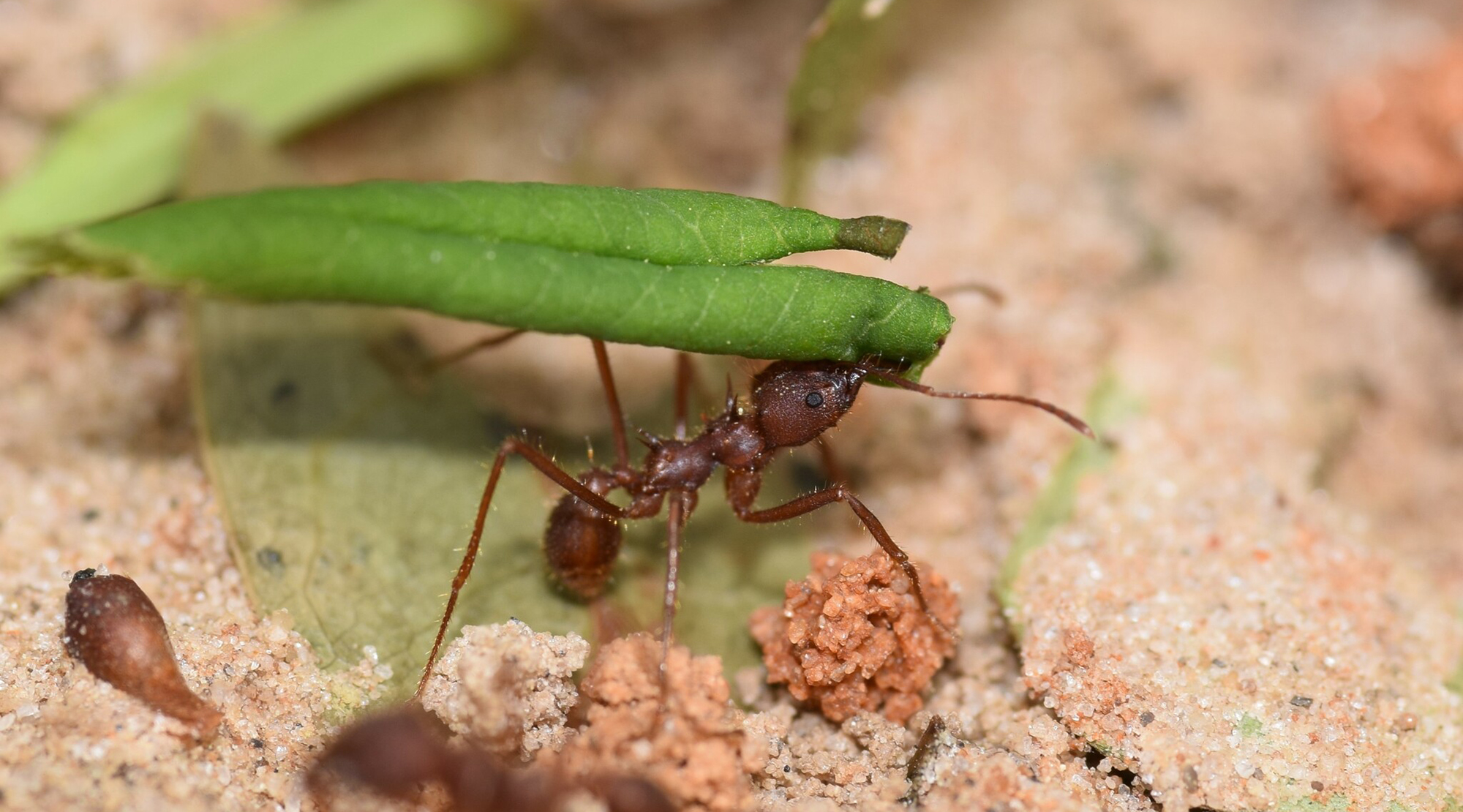
Leafcutter ant photo by Blake Bringhurst via iNaturalist, CC BY 4.0